
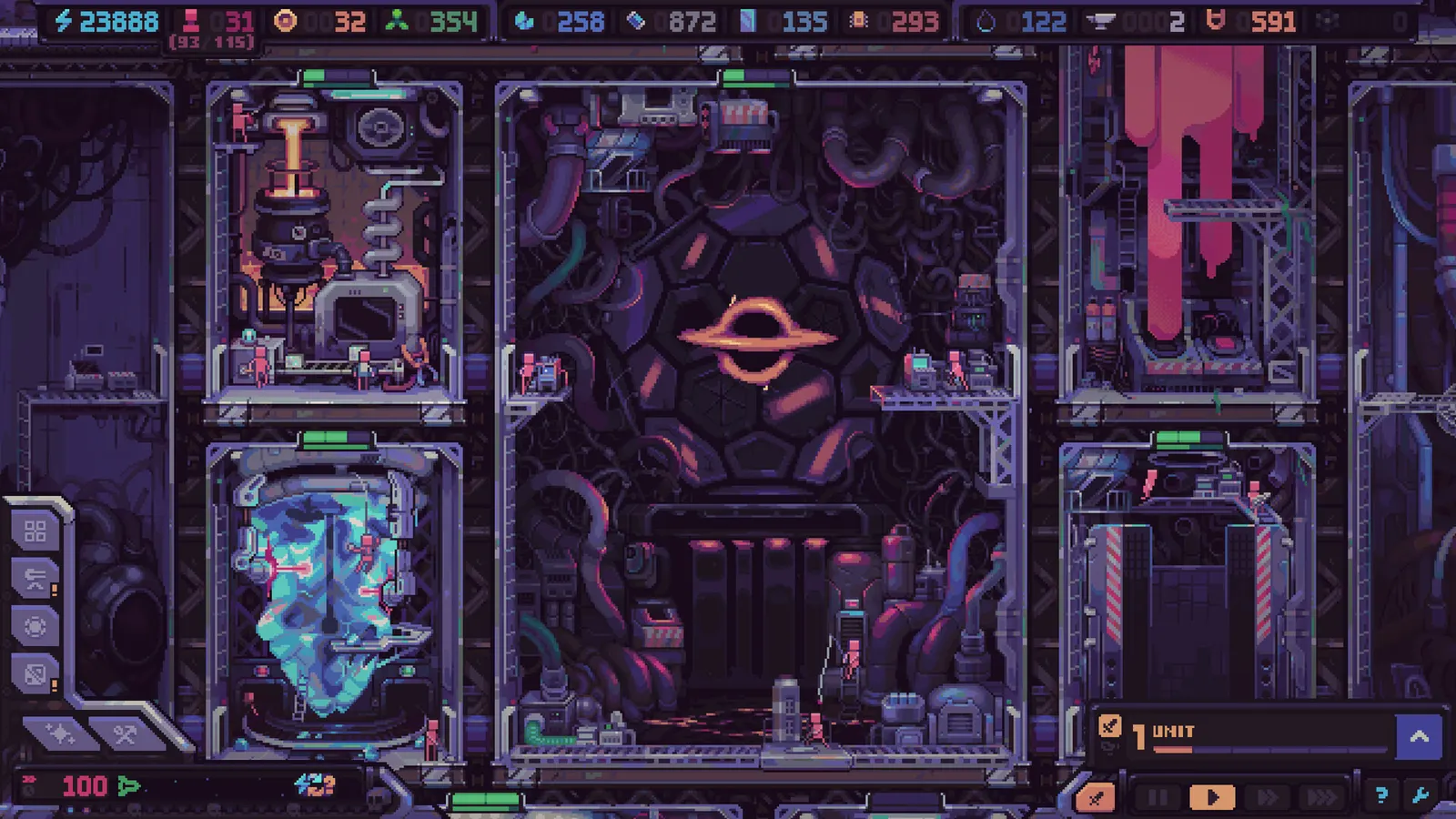
Hull Rupture needs 8 GB of RAM, a 64-bit processor, DirectX 11 and 2 GB of disk on Windows. The graphics minimum is a GeForce GTX 670 or Radeon HD 7970, both released in 2012, which tells you the renderer is doing very little that a modern card has to work for.
The specs below are the ones Steam publishes. There is a recommended column on the store page and it is empty — the listing repeats "requires a 64-bit processor and operating system" and stops. Anyone quoting a recommended specification for this game is quoting something the developer did not publish.
Windows
| Minimum | |
|---|---|
| OS | Windows 10 version 21H1 or newer |
| Processor | Intel i7-8700 / AMD Ryzen 1600 |
| Memory | 8 GB RAM |
| Graphics | GeForce GTX 670 / Radeon HD 7970 |
| DirectX | Version 11 |
| Storage | 2 GB available space |
macOS
| Minimum | |
|---|---|
| OS | Big Sur 11 or newer |
| Processor | Apple M1 or Intel i7-9750H |
| Memory | 8 GB RAM |
| Storage | 2 GB available space |
The macOS listing repeats the Windows graphics line — a GeForce GTX 670 — which is not a card any Mac has ever shipped with. Read the Mac floor as the processor line: an M1 or a 9750H, plus 8 GB of memory.
Linux
| Minimum | |
|---|---|
| OS | Ubuntu 22.04 or newer |
| Processor | Intel i7-8700 / AMD Ryzen 1600 |
| Memory | 8 GB RAM |
| Graphics | GeForce GTX 670 / Radeon HD 7970 |
| Storage | 2 GB available space |
The CPU floor is higher than the GPU floor
A note on the two processor models: the i7-8700 and the Ryzen 1600 are six-core parts from 2017, and the game was built to run its simulation on them. That is a different demand from a game that names a modern quad core, because a six-core floor usually means the workload is spread across threads rather than concentrated on one.
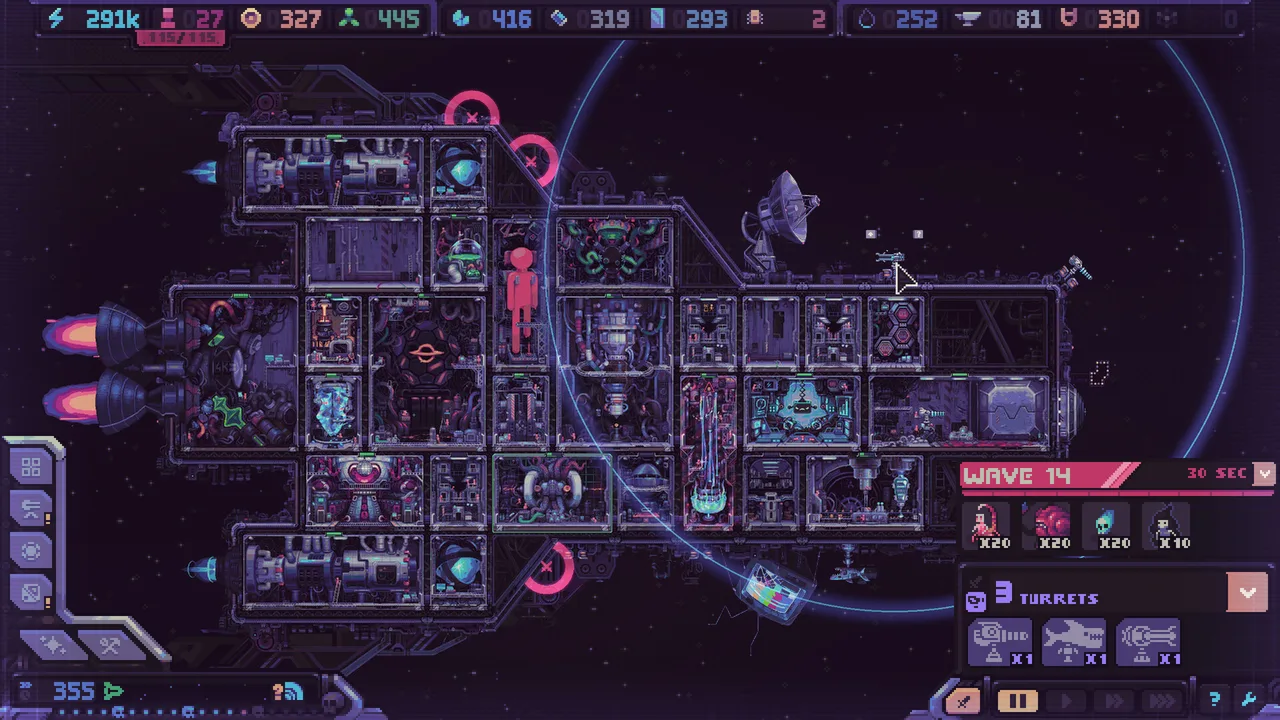
An i7-8700 and a Ryzen 1600 are 2017 and 2017-era parts. A GTX 670 is five years older than either. That mismatch is the single most useful thing on this page: the game is not asking for graphics power, it is asking for a processor that can simulate a ship full of modules, crew, resource chains and alien pathing at once.
Which matches how the game behaves late in a run. Slowdowns after wave 40 are a documented issue, and the developer's own explanation was that the simulation scales past what they balanced for — not that the renderer struggles.
What to check first
Memory, then the processor. If the machine has 8 GB and a recent i5 or Ryzen 5, the game will run and the question is only how it behaves after wave 40. If the machine has 8 GB and a 2015-era dual core, no graphics card will rescue it.
 Official media · Steam
Storage and everything else
Two gigabytes is small enough that disk space is not a consideration on any machine that meets the rest of the list. The game is single-player, so nothing on this page concerns a connection.
Eleven languages are supported: English, Russian, French, German, Spanish (Spain), Japanese, Korean, Polish, Portuguese (Brazil), Simplified Chinese and Traditional Chinese.
What the specs do not tell you
The requirements describe whether the game starts, not whether a run stays smooth. Two things sit outside the table.
The first is late-run performance. Past wave 40 the ship is large, the alien count is high and the simulation is doing more than the demo ever asked of it. That is a design-scaling problem, and the developer has said so; it does not show up in a minimum specification.
The second is the interface at high module counts. As a ship grows, the build panels and module readouts compete for the same screen space, and interface scaling is one of the requests that keeps appearing in player feedback. That is a preference question rather than a hardware one, and no requirement prevents it.
 Official media · Steam
Integrated graphics and laptops
The renderer is 2D and pixel-art, so the GPU load is light enough that integrated graphics are not automatically disqualifying. What integrated graphics cannot do is supply their own memory: the 8 GB floor is system memory, and on a laptop the GPU takes its share out of the same pool. A machine with 8 GB total is therefore further below the desktop figure than the number suggests.
The realistic split is memory first, cooling second, graphics third. A thin laptop that meets the specs will run the game and will also throttle during a long Endless run, which is a thermal problem rather than a compatibility one.
Steam Deck and Linux handhelds
There is a native Linux build, and the Linux minimum names Ubuntu 22.04 with the same processor and memory floors as Windows. That is what makes a Steam Deck install possible at all: without a Linux build there would be nothing to run outside Proton.
The honest caveat is the interface. A ship with thirty modules and a wave in progress puts a lot of small text on a 7-inch screen, and the game was designed around a monitor. The build runs; the readability is a separate question.
If the game will not launch
The usual causes are a DirectX 11 driver older than the card, or a Windows build below 21H1. Both are checkable before buying: dxdiag reports the feature level and the OS build in one window.
The game is single-player and does not need a connection, so a machine that runs it today will keep running it. That also means the refund window is the only test drive available — the demo was disabled before launch and has not returned.